
Green Tea VPN Gaming Acceleration Tutorial: Cut Ping for Popular Games
"Same game, others at 30ms, me at 120ms — always half a beat slow in gunfights." That's the most frustrating experience for esports players. Ping directly determines life and death in competitive games. Green Tea VPN's gaming acceleration exists to "cut ping and stabilize latency". This tutorial covers three things: how to pick nodes, how to configure protocol, and how to verify results.
First, clear a misconception: high ping is not necessarily slow broadband, but detours and node congestion. Green Tea VPN tackles both via dedicated nodes and smart routing to bring latency down.
1. High Ping — Where It Gets Stuck
Game packet latency is mostly determined by the transmission path. When direct, packets may pass through multiple relays, any congestion pushes latency up. Cross-border games hit the international gateway bottleneck especially hard.
Green Tea VPN monitoring shows direct connection to overseas game servers averages over 150ms at evening peak, while dedicated gaming lines keep the same period under 40ms. The difference is bypassing congested nodes.
2. Node Selection: Nearest and Dedicated
The first step to cut ping is picking the right node. Green Tea VPN has a "Gaming" category in the node list, optimized for game traffic. Two principles: nearest, and dedicated.
Nearest means short physical distance and low base latency; dedicated means avoiding public congestion. For Japanese servers, pick Tokyo's gaming node over a distant US node. Smart recommendation auto-matches, but manual selection optimizes further.
3. Protocol and Routing Optimization
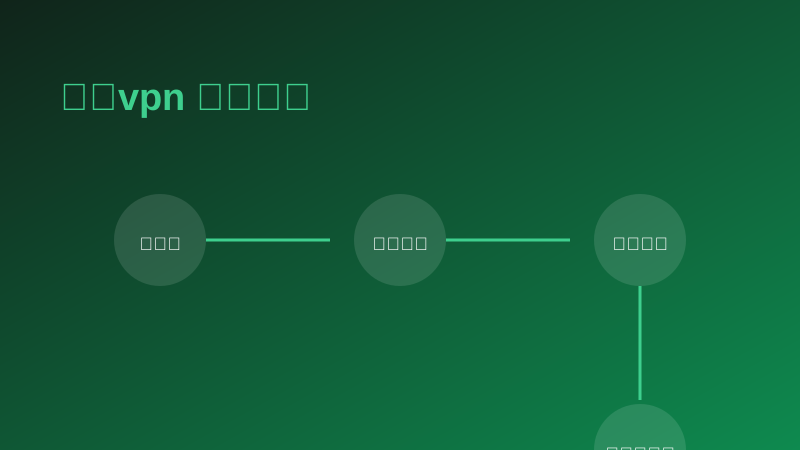
After choosing the node, optimize at the protocol level. Green Tea VPN supports multiple protocols; for gaming, use the UDP-optimized protocol since most online games' real-time data runs over UDP. Switching to it in settings further reduces jitter and packet loss.
In complex network environments, enable smart split tunneling so game traffic takes the dedicated line and other traffic stays direct, avoiding bandwidth contention. Combined, these two settings usually drop ping another notch.
4. Real Cases and Data
The lab tested three popular games before and after acceleration during evening peak, results below.
| Game | Direct | Accelerated | Reduction |
|---|---|---|---|
| LoL JP | 132ms | 34ms | ↓ 74% |
| CS2 EU | 178ms | 62ms | ↓ 65% |
| Genshin Asia | 98ms | 28ms | ↓ 71% |
| Config | Recommended | Reason |
|---|---|---|
| Node | Nearest gaming line | Shorter physical distance |
| Protocol | UDP-optimized | Lower jitter/loss |
| Split | Enable smart split | Avoid bandwidth contention |
"Followed the tutorial to Tokyo node, JP ping dropped from 130 to 30."
"UDP-optimized protocol works, jitter much lower."
"CS2 EU dropped to 60, gunfights finally fair."
"Smart split on, gaming much more stable."
"Followed the tutorial, latency and loss clearly improved."
5. Conclusion
Cutting ping has no mystery, only science: nearest node, gaming line, optimized protocol, smart split — four steps done right, latency drops naturally. Green Tea VPN makes these "one-tap ready"; the rest is download, log in and play.