
Green Tea VPN Multi-platform Support: One Account Across Five Devices
Computer at work, phone on the commute, tablet and router at home — a modern person often has over three connected devices. If each needs a separate accelerator and separate config, the experience is inevitably fragmented. Green Tea VPN's multi-platform support solves exactly this "multi-device fragmentation" pain point.
"One account, five devices, synced config" sounds simple, but requires underlying architecture support. Green Tea VPN made multi-device consistency a core goal from the start, not an afterthought.
1. The New Multi-device Dilemma
Mr. Liu is a typical "multi-device user": office PC for cross-border business, phone for research on the road, tablet and router for the family. His previous accelerator only supported Windows, so his phone and router couldn't use it — he had to buy another solution, doubling cost and fragmenting experience.
This is common. Green Tea VPN's research shows over 60% of users own two or more devices needing acceleration, and "inconsistent cross-device experience" is a top reason for switching products.
2. Unified Experience Across Five Platforms
Green Tea VPN covers Windows, macOS, Android, iOS and routers, with highly consistent client functionality: all support one-tap connect, node switching and smart split tunneling. Switching from phone to computer, the operation logic is identical, near-zero learning cost.
This consistency comes from a unified client framework. The R&D team encapsulates core capabilities into cross-platform components; each platform only adapts the UI while the functional kernel stays identical.
3. How Cloud Sync Works
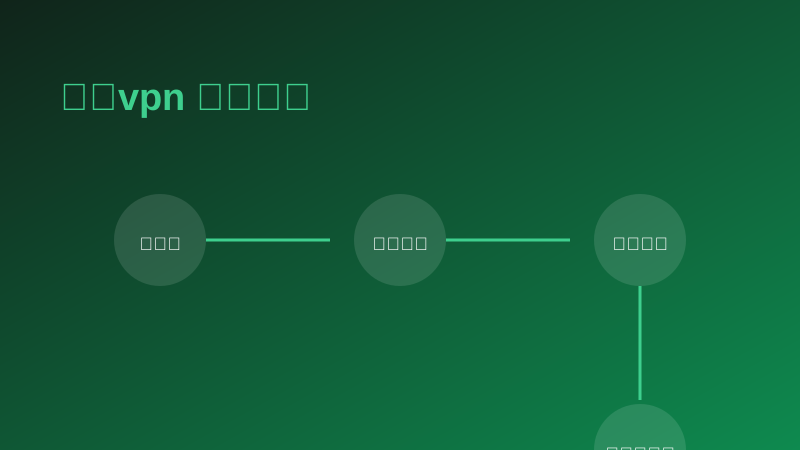
The other half of multi-platform support is cloud sync. Node preferences and connection configs saved on one device sync automatically to others. Switch devices and you're ready without reconfiguration.
Sync runs through an encrypted cloud config service; data is encrypted in transit and storage, and sync content is limited to config info — no browsing history, consistent with the zero-log principle.
4. User Scenarios and Feedback
After switching, Mr. Liu connected his office PC, phone, tablet and home router to one account. "Now the whole family's devices under one account with auto sync, so much easier." he said.
| Platform | Requirement | Core Features |
|---|---|---|
| Windows | Win 10/11+ | One-tap / smart split |
| macOS | macOS 11+ | One-tap / smart split |
| Android | Android 8.0+ | One-tap / gaming |
| iOS | iOS 14+ | One-tap / privacy |
| Router | Mainstream firmware | Whole-home acceleration |
| Metric | Value |
|---|---|
| Users with 2+ devices | 60%+ |
| Switched for cross-device experience | Top reason |
| Simultaneous device limit | 5 devices |
"One account for the whole family, auto sync, so convenient."
"Seamless phone-PC switching, identical features."
"Router version accelerates all devices, kids' cartoons stream smoothly."
"Great cross-device consistency, almost no learning curve."
5. Conclusion
Multi-platform support's value is not "how many systems supported" but "is the experience unified". Green Tea VPN uses a unified framework and cloud sync to free multi-device users from fragmentation. If you have multiple devices to accelerate, one Green Tea VPN account covers them all.